New-player guide
Your first day on the road.
A few practical steps to get started. You can play with touch controls or a keyboard.
Start small.
- Create your founder. Choose your identity and appearance, then review the abilities and traits you were dealt.
- Walk up to someone. Use the action control when the interaction prompt appears. Ask about work or available requests.
- Read your journal. Follow the named contact or location for your objective. Return in person when an assignment asks for a report.
- Keep yourself supplied. Watch health, stamina, energy and money. An inn offers a place to recover and pass time.
Getting around.
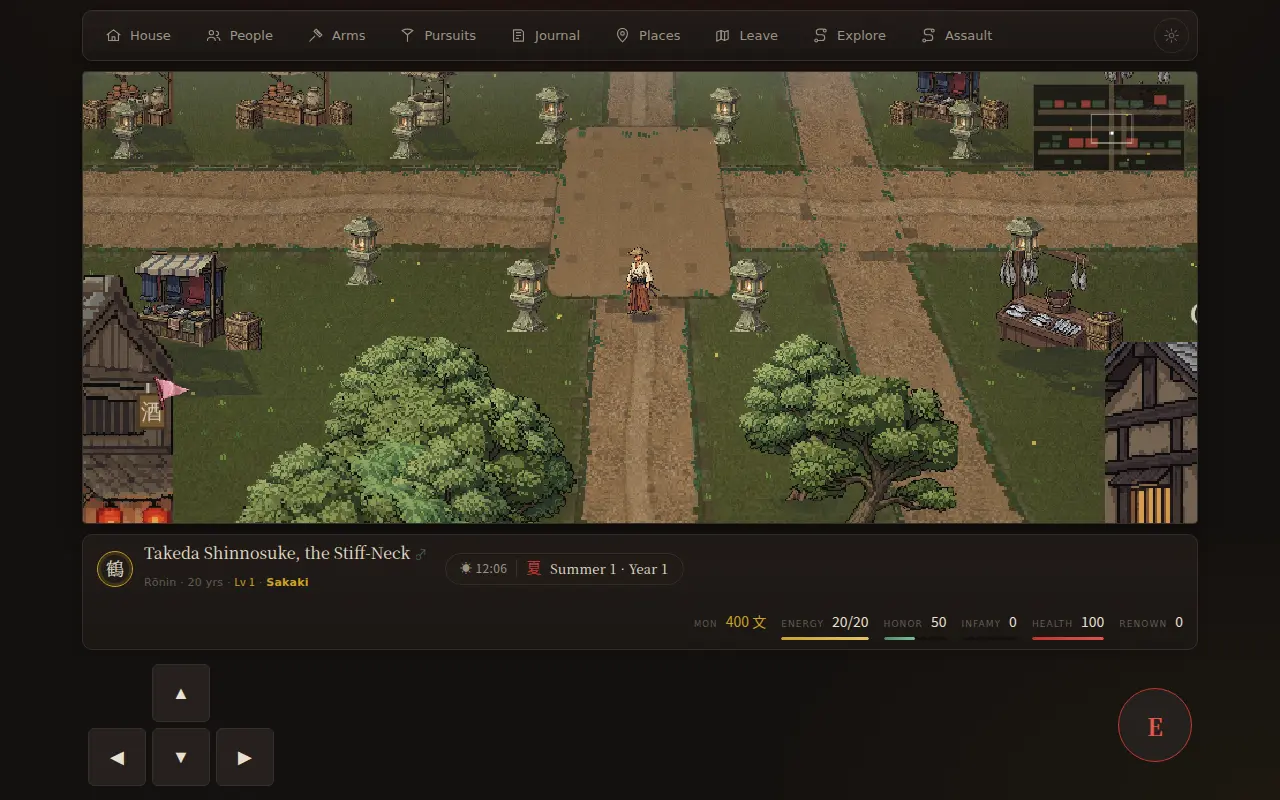
On a phone, use the direction pad and the circular action button. With a keyboard, use WASD or the arrow keys to move, and E to interact. On the world map, tap to walk. City shortcuts appear only after you have visited that city; your starting town is available immediately. Walk to a wilderness entrance, then tap it again or use the nearby action control to enter.
Duels and field battles show their own movement, attack and guard controls. Check their on-screen labels: the two combat modes have different controls.
Open the journal when you need to check an objective. Menus pause the world clock, so you can read without rushing.
From the bank to the table.
Open Daily life near a riverbank, fishing shore or built estate pond. Choose bait and depth, then cast. Hook when the float dips; hold Reel and steer against the fish’s pull, easing off when tension climbs.
A town store sells bait and salt and buys fresh fish. Fresh catches keep for three days; a smokehouse preserves them for fourteen days from the catch. Collect marked plants while exploring, or gather near your estate garden, to stock the pantry.
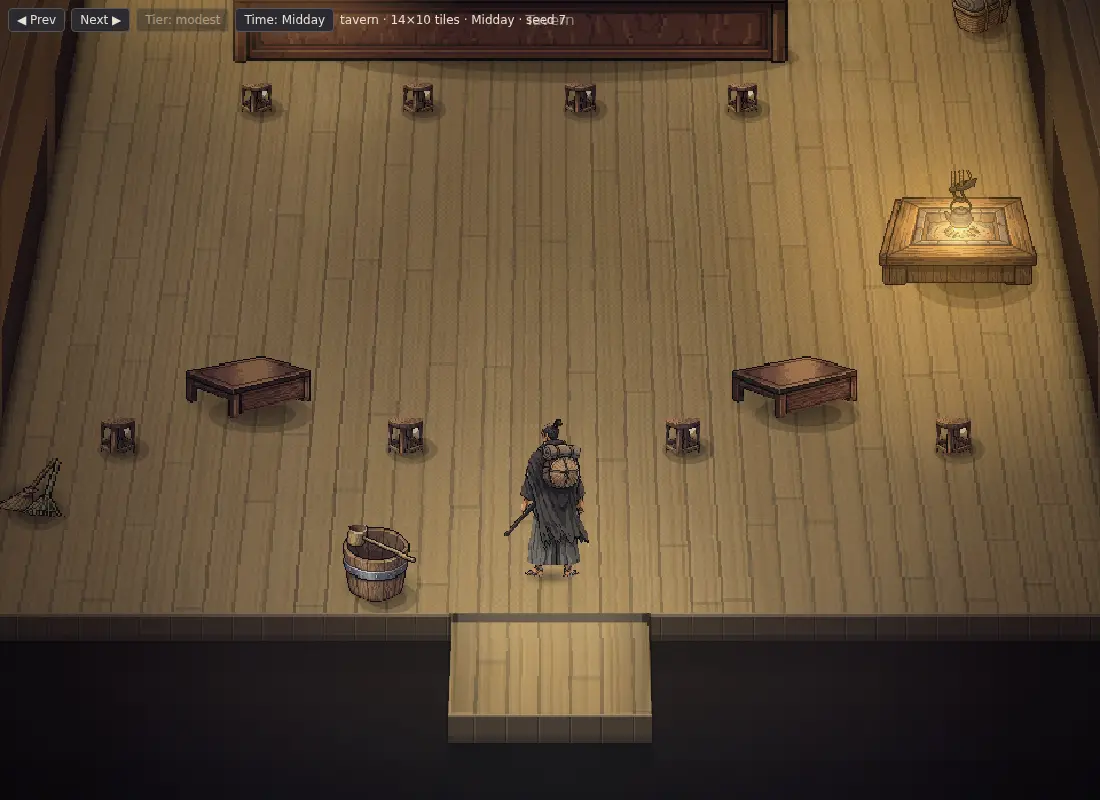
At home, build a kitchen through the Estate tab. The Kitchen tab lists recipes and missing ingredients. Tend the heat and stir, then serve the finished dish. You can eat a prepared meal on the road or share one household meal per day at home.
Keep your progress.
Progress saves automatically on the device you are playing on. Keep the same browser profile or app installation; clearing its data removes local saves. Use the account and save options in the game when moving between devices.
Sound, speech and graphics options are in Settings. Reduce visual effects if your device struggles, and adjust spoken lines separately from other audio.
Prefer an app? Get Android or Windows.